
What it does
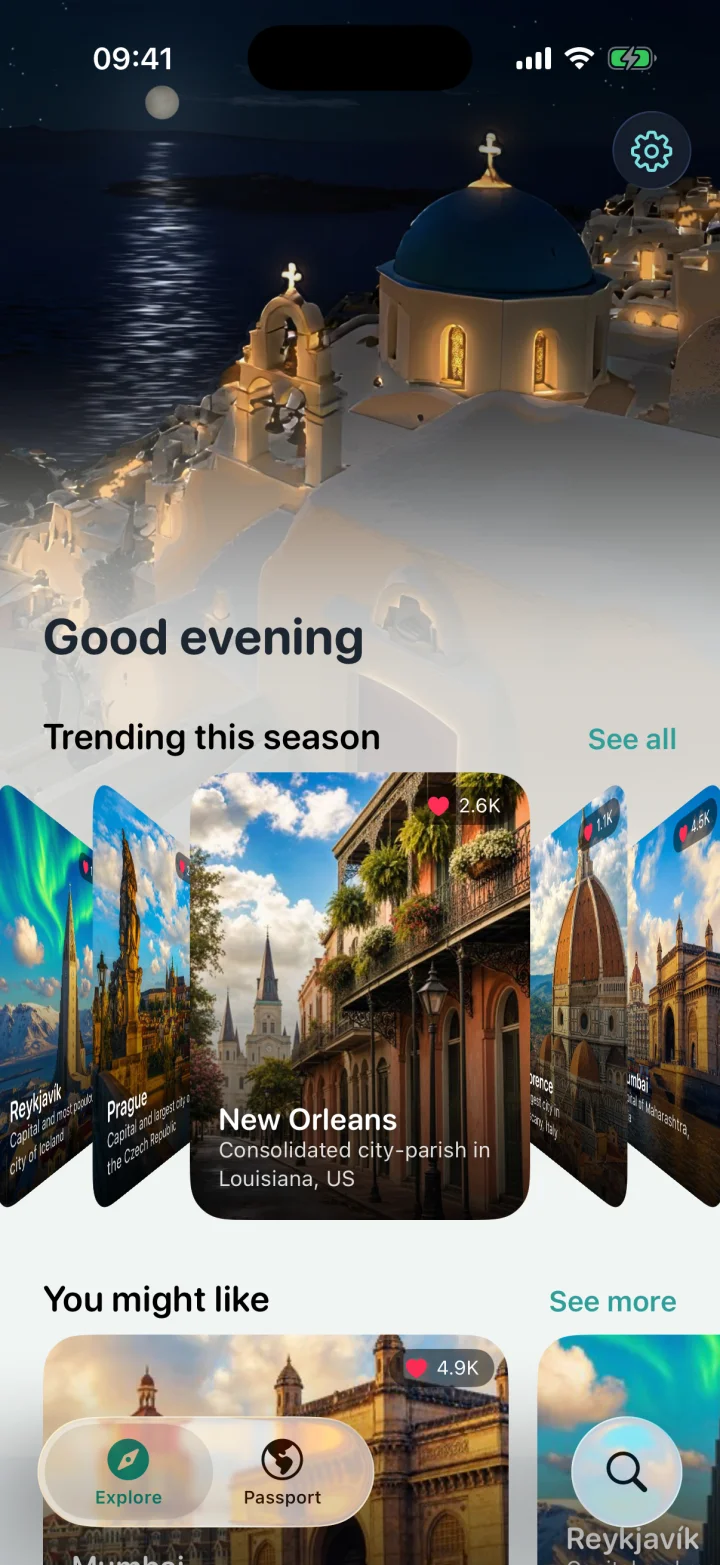
The Explore tab is where to look for your next trip: the best months to visit, places trending this season, underrated gems and travel facts for each destination.
It learns from your trips and the places you heart, save and open, then shapes its picks around them.
How to use it
-
Open Explore
Tap the Explore tab to see Trending this season, Underrated gems and places to visit by month.
-
Save what catches your eye
Heart or save places and itineraries. You might like and Because you loved fill in as you go.
-
Steer it
Use Tune my recommendations to change what Explore shows you.
Tips
- Explore also suggests places that sit well alongside the trips you are already planning.
- Each destination shows its currency, language, plug type and the best time to go.
Questions
Is Explore free?
Yes, Explore is on every plan. Explorer and Globetrotter open the full catalog, with every destination, place and photo plus the premium guides and itineraries.