
What it does
Group trips are easier when everyone works from the same plan. Invite your travel buddies into a trip, vote on a shortlist and keep shared costs in one place.
Expenses work in any currency, and Journie keeps a running balance of who owes whom.
Travel buddies are part of Explorer and Globetrotter.
How to use it
-
Invite your buddies
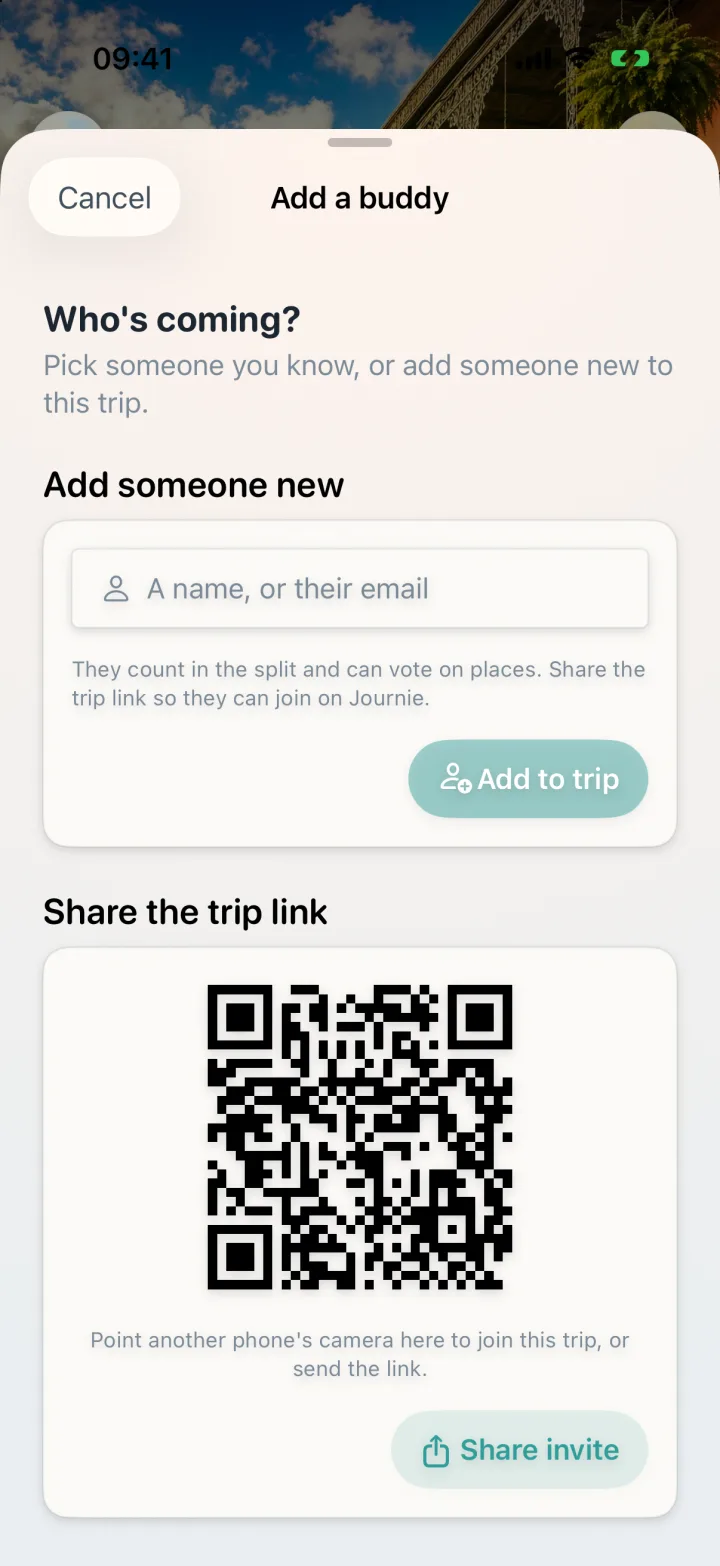
In a trip, invite people with a QR code or a link they can open on their iPhone.
-
Vote on places
Add places to the shortlist and let everyone vote on what makes the plan.
-
Split the costs
Log shared expenses as you go and check the balances when it is time to settle up.
Tips
- A QR code is the quickest way to invite someone sitting next to you.
- Your buddies need to sign in to join, so they can see the trip on their own iPhone.
Questions
Do my buddies need to pay?
No. Inviting buddies is part of Explorer and Globetrotter, but anyone you invite can join your trip on the free plan. They sign in with Apple or Google.
How are costs split?
Split each expense equally, by custom amounts or by ratio. Journie keeps a running balance and lets you record a payment when someone settles up.
Can we log expenses in different currencies?
Yes. Log each expense in the currency you paid in, and Journie converts it with live or cached exchange rates.