
What it does
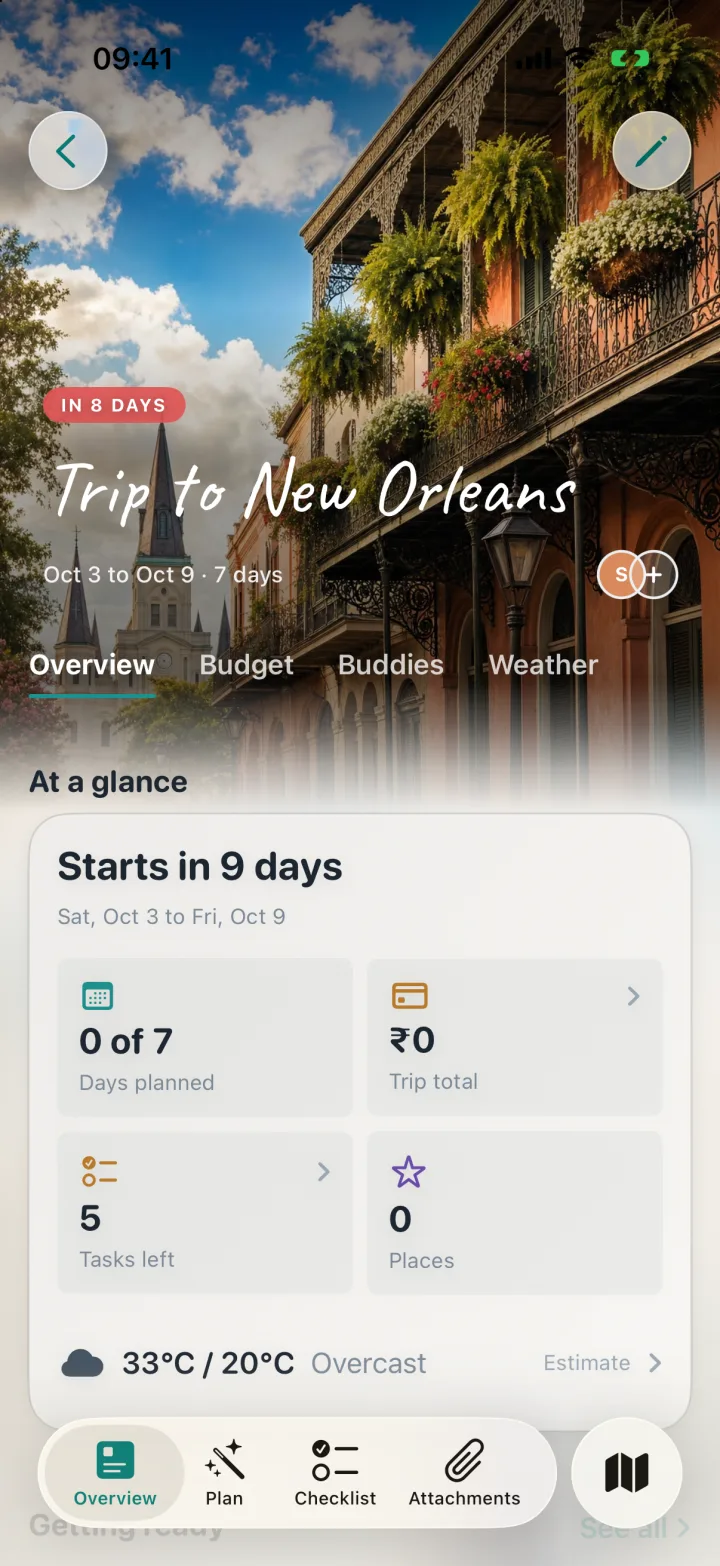
A plan is more useful when the right people can see it. Journie has a few ways to share, depending on who needs what.
How to use it
-
Bring people in
Create a trip link or QR code. Anyone who opens it can ask to join, and you approve each person.
-
Publish an itinerary
Set Who can see this to My buddies, then tap Publish and share to send a link your buddies can open.
-
Export it
Export itinerary makes a PDF, with or without booking codes, and Add to Calendar puts the days in your calendar.
Tips
- Sharing is always your choice, and you can turn a link off at any time.
- Leave booking codes out of a PDF you plan to pass around.
Questions
Can I share a trip with someone who doesn't have Journie?
Yes. Export the itinerary as a PDF or add the days to a calendar, and send those to anyone.
Can I hide booking codes?
Yes. Export the PDF without booking codes when you plan to pass it around.