
Jo drafts your days
Tap Plan with AI on any day and Jo suggests real places to fill it.
Jump to the steps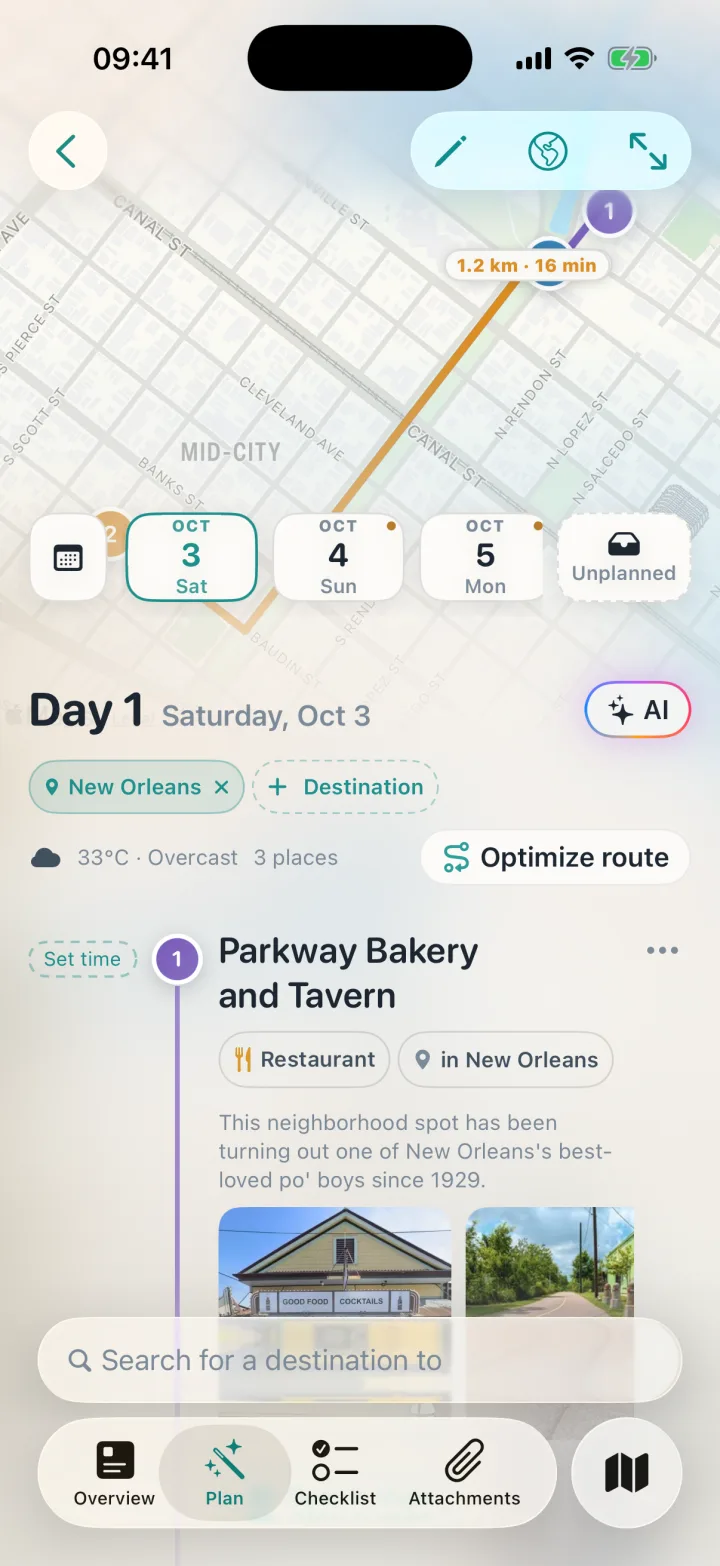
What it does
Some days plan themselves and others sit empty. Jo, the travel companion inside Journie, drafts a day around the trip you already have, using real places from Journie.
On Explorer and Globetrotter, Jo runs on your iPhone with Apple Intelligence as often as you like, or in the cloud with monthly credits if you allow it.
Jo is part of Explorer and Globetrotter.
How to use it
-
Open a day
In a trip's Plan tab, tap Plan with AI on the day you want to fill.
-
Say what you are after
Ask for a food day, a slower pace or something cheaper, and Jo suggests stops that fit.
-
Keep what works
Add the plan to your trip, then move, swap or drop anything. It is all yours to edit.
Tips
- The more of the trip you have planned, the better Jo's suggestions fit around it.
- Not happy with a draft? Ask again with a different brief.
Questions
Which plan includes Jo?
Jo is part of Explorer and Globetrotter. On-device planning with Apple Intelligence has no monthly limit, and cloud requests use credits: 50 a month on Explorer and 200 on Globetrotter.
Can Jo plan a whole trip?
Yes. Plan with AI drafts a trip of up to 14 days, or a single day from that day's Plan with AI button. Every suggestion stays editable.
Does Jo make up places?
Jo suggests real places from Journie's catalog, so each stop opens with its details and its pin on the map.